Blur
Before images of people leave your system, you often have to hide who is in them.
pf.annotate.blur blurs the inside of each box and leaves the rest of the image sharp.
import pixelflow as pf
from mayaku import from_pretrained

predictor = from_pretrained("mayaku-n-det")
result = predictor("street.jpg")
detections = pf.from_mayaku(result, labels=predictor.class_names)
detections = detections.filter_by_confidence(0.5)

people = detections.filter_by_class_id(predictor.class_names.index("Person"))

image = pf.read_image("street.jpg")
image = pf.annotate.blur(image, people)
pf.save_image("street-blurred.jpg", image)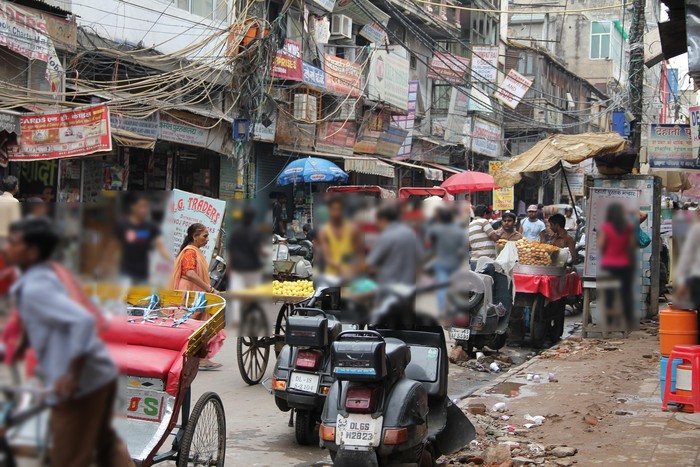
Blur only covers what the model finds: a person it misses, or scores below your threshold, stays sharp. For privacy, use a lower confidence threshold than you would for counting: an extra blurred patch costs less than one face left visible.
Each box is grown by padding_percent on every side first, so the edges of the person are blurred
too. A box smaller than the blur kernel is left as it is.
To make the hidden area look blocky rather than soft, use pixelate.
Parameters
| Parameter | Default | |
|---|---|---|
image |
image, changed in place | |
detections |
the Detections to blur |
|
kernel_size |
from the image size | size of the blur in pixels; larger is stronger. Even numbers are rounded up to odd. 39 on a 1920×1280 image |
padding_percent |
0.05 |
how much to grow each box on every side, as a share of its width and height, from 0 to 0.5 |