Mask
A box covers the object and the background around it. A segmentation model also gives a mask: the
pixels that belong to the object. pf.annotate.mask colors those pixels.
import pixelflow as pf
from mayaku import from_pretrained

predictor = from_pretrained("mayaku-n-seg")
result = predictor("street.jpg")
detections = pf.from_mayaku(result, labels=predictor.class_names)
detections = detections.filter_by_confidence(0.5)

image = pf.read_image("street.jpg")
image = pf.annotate.mask(image, detections)
pf.save_image("street-masks.jpg", image)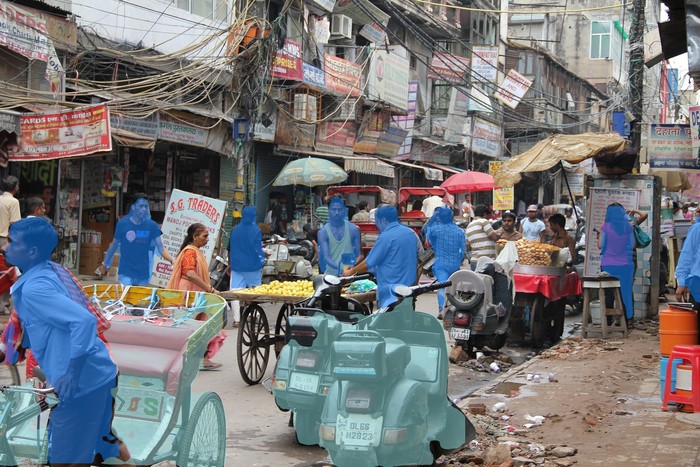
Detections without a mask are skipped. Where two masks overlap, the one later in the list takes the pixel.
A mask must have the same width and height as the image; otherwise mask raises a ValueError.
That is the case for masks from every converter, as long as
you draw on the image at the size you gave the model:
resize the picture after drawing, not before.
To draw only the edge of each object, use polygon.
Parameters
| Parameter | Default | |
|---|---|---|
frame |
RGB image, drawn on in place | |
detections |
the Detections whose masks to draw |
|
opacity |
0.5 |
from 0 (invisible) to 1 (solid color) |
colors |
the default palette | list of RGB colors, picked by class_id (see colors) |